Pointing down
Start Your GHL Free 30+30 Day Trial Today!
60 Day Free Trial →
GoHighLevel marketplace - GHL integration - QR code

QR code

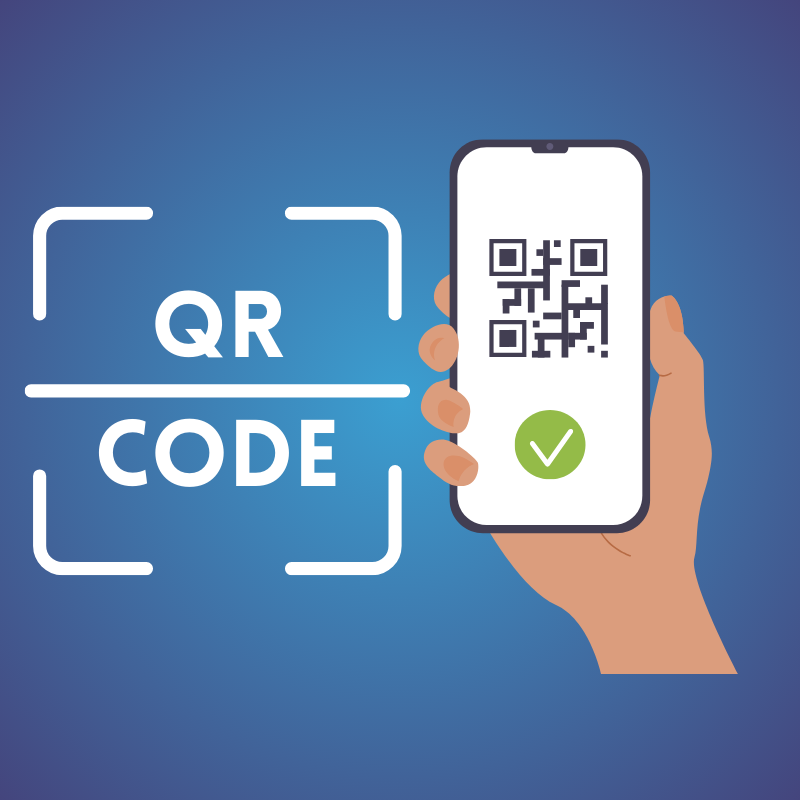
Simplify Access with Custom QR Codes

Free White-Label Verified
4.8(4)
7.7K
All The Apps
GoHighLevel marketplace - GHL integration - QR code

📱 QR Code Widget Guide

The QR Code Widget allows you to easily create and display dynamic, customizable QR codes on your website. It's perfect for connecting online and offline interactions.

Key Features:

  • User Guidance: Direct users to URLs, promotions, contact info, or app downloads via simple scans.
  • Customization: Tailor the appearance of your QR codes to fit your site’s branding.

🌟 Steps to Get Started

  1. Start with a Template:

    • Select from options:
      • Standard Code
      • With Label
      • Call-to-Action Below
    • Click "Continue" to customize the QR code.
  2. Use the Navigation Tabs:

    • Content: Set destination & messaging.
    • Style: Adjust colors, size, and design.
    • Settings: Configure tracking and responsiveness.
  3. Customize Your Widget:

    • Content Tab:
      • Target URL: Link to webpages, forms, or downloads.
      • Display Text: Add headings or CTAs (e.g., “Scan to Download Our App”).
      • Labels: Provide additional context or instructions.
    • Style Tab:
      • Color Customization: Adjust foreground and background colors.
      • Size Options: Set fixed dimensions or responsive scaling.
      • Borders & Rounding: Control edge style and spacing.
      • Font & Button Styling: Customize appearance for labels or buttons.
    • Settings Tab:
      • Dynamic QR Mode: Change destination URL without altering the code.
      • Tracking Parameters: Implement UTM codes for analytics.
      • Scan Limit or Expiry: Restrict usage or set display deadline.
      • Responsive Behavior: Optimize display across devices.
      • Custom Code Injection: Use JavaScript/CSS for extended behavior.

🛠️ Helpful Tips

  • Use the Content tab for links and messaging.
  • Use the Style tab to align with visual branding.
  • Use the Settings tab for tracking or advanced targeting.
  • Always click "Save" to apply changes!

Utilize the QR Code Widget to enhance user engagement and create a seamless experience.

GoHighLevel marketplace - GHL integration - QR codeGoHighLevel marketplace - GHL integration - QR codeGoHighLevel marketplace - GHL integration - QR codeGoHighLevel marketplace - GHL integration - QR codeGoHighLevel marketplace - GHL integration - QR codeGoHighLevel marketplace - GHL integration - QR code

Permission Details

Permission Details
locations Access to read
users Access to read
Access to write
contacts Access to read
Access to write
medias Access to read
Access to write
charges Access to read
Access to write

All The Apps specializes in seamless integrations, bringing innovation to your business. Their QR Code integration simplifies access with custom QR codes, enhancing user experience and engagement effortlessly.

Pointing down
Start Your GHL Free 30+30 Day Trial Today!
60 Day Free Trial →

Similar listings in category