


Pointing down
Start Your GHL Free 30+30 Day Trial Today!
60 Day Free Trial →
GoHighLevel marketplace - GHL integration - Testimonial Widget

Testimonial Widget

Let your happy customers speak for you.

Free White-Label Verified
No reviews yet
34
All The Apps
GoHighLevel marketplace - GHL integration - Testimonial Widget

⭐ Testimonial Widget Guide

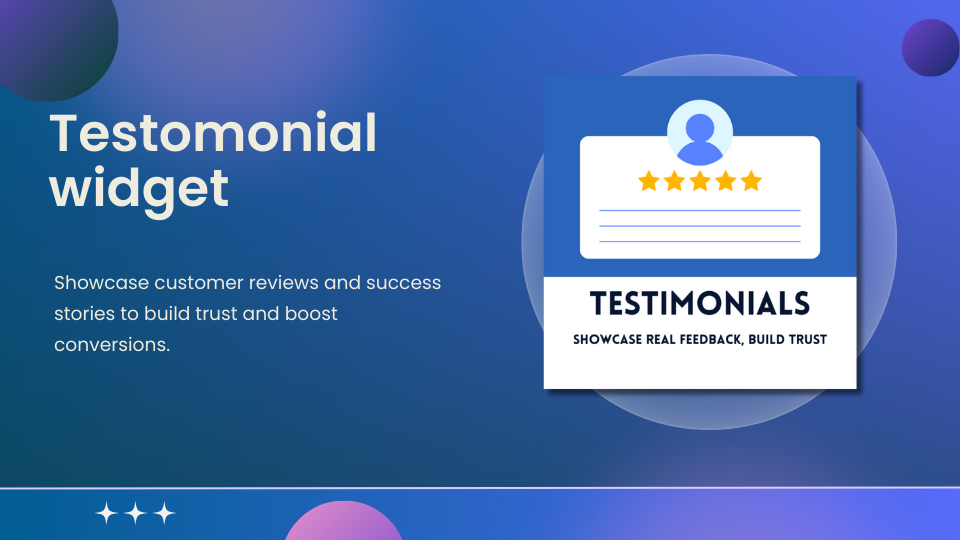
The Testimonial Widget helps you showcase customer feedback and success stories effectively, building trust and encouraging action from visitors.

1. Start with a Template

  • Single Testimonial Card: Highlight one review.
  • Grid Layout: Show multiple testimonials side by side.
  • Carousel/Slider: Rotate reviews automatically or manually.
  • Minimal Style: Clean, text-focused layout.

What to Do:

  • Preview templates to see appearance.
  • Select the layout that fits your site’s design.
  • Click "Continue with this template" to start editing.

2. Use the Editing Tabs

  • Content: Add testimonials, names, roles, and images.
  • Style: Adjust design, fonts, and layout.
  • Settings: Control rotation and advanced options.

3. Customize Your Testimonials

  • Content Tab:

    • Customer Name & Role: E.g., "Sarah M., Restaurant Owner"
    • Testimonial Text: Short, impactful feedback.
    • Photo or Logo: Add customer images or logos.
    • Ratings: Optional stars/icons for visual appeal.
    • Call-to-Action: Include a "Read More" link if needed.
  • Style Tab:

    • Fonts & Text Size: Ensure readability.
    • Colors: Align with your branding.
    • Layouts: Choose card, slider, or block styles.
    • Spacing & Alignment: Adjust for a clean look.
    • Highlighting: Use bold or background colors for emphasis.
  • Settings Tab:

    • Carousel/Slider Options: Auto-rotate or manual navigation.
    • Display Count: Show 1, 2, or more testimonials.
    • Animation Effects: Fade, slide, or flip transitions.
    • Mobile Optimization: Ensure testimonials stack nicely.
    • Visibility Rules: Show specific reviews on certain pages.

Helpful Tips

  • Keep testimonials short and authentic.
  • Use real names and photos to enhance trust.
  • Place testimonials near CTAs (like sign-up forms).
  • Highlight diverse customer experiences for broader appeal.
  • Experiment with layouts: grids for multiple reviews, sliders for space-saving.
  • Update regularly to keep your page fresh.
    GoHighLevel marketplace - GHL integration - Testimonial WidgetGoHighLevel marketplace - GHL integration - Testimonial WidgetGoHighLevel marketplace - GHL integration - Testimonial WidgetGoHighLevel marketplace - GHL integration - Testimonial WidgetGoHighLevel marketplace - GHL integration - Testimonial WidgetGoHighLevel marketplace - GHL integration - Testimonial Widget

Permission Details

Category Access to Read Access to Write
medias Yes Yes
charges Yes Yes
marketplace-installer-details Yes No

All The Apps offers innovative solutions designed to enhance user engagement and boost conversion rates through their flagship product, the Testimonial Widget. This seamless integration allows businesses to showcase authentic customer testimonials on their websites, building trust and credibility. The widget is fully customizable, enabling users to align it with their brand's aesthetics. With a user-friendly interface and analytics features, All The Apps empowers companies to harness the power of social proof, attracting new customers and fostering lasting relationships.

Pointing down
Start Your GHL Free 30+30 Day Trial Today!
60 Day Free Trial →

Similar listings in category